

Hosted shop and payment links
Your ready-made Comecero shop, its page addresses, and links you can build to fill a cart, ask for a payment of any amount or get an invoice paid.
Every Comecero account comes with a hosted shop: a catalog, a cart and checkout, a payment page, invoice pages and a customer account page. You do not host or build anything. You can send shoppers to it as it is, link to it from your own site with the links on this page, or use only parts of it, such as the payment page.
Your shop's address
Open Storefront in the dashboard. Shop addresses lists the addresses your shop answers on, and View your shop opens it.
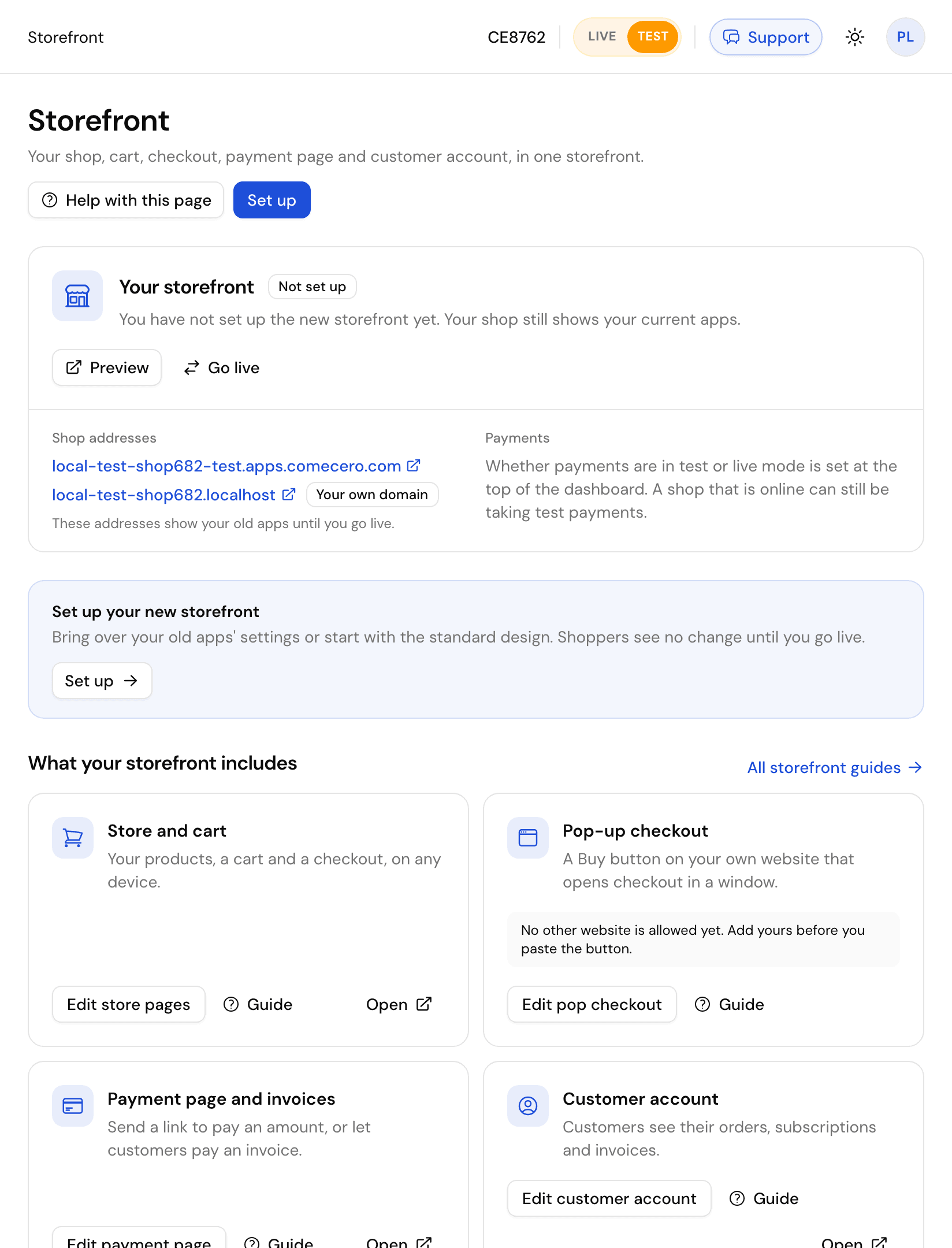
- Each shop has an address such as
your-shop.apps.comecero.com. The same shop also answers onyour-shop.shop.comecero.com. - Test and live have their own addresses. A test address usually ends in
-test, for exampleyour-shop-test.apps.comecero.com. The address decides the mode: there is no?test=switch. - You set the names under Settings > Technical, field App Hosts (up to 3 per mode), or with Update technical settings. A name is 4 to 25 characters, and a live name may not contain
-test. - Your own domain, such as
shop.example.com: contact support to set it up.
Pages
| Page | Path |
|---|---|
| Catalog | /, with ?q= to search, ?category= and ?page= |
| Product | /products/{product_id} |
| Cart and checkout | /cart |
| Order confirmation | /receipt/{payment_id} |
| Payment page | /pay |
| Invoice | /invoice/{invoice_id} |
| Customer account | /account |
| Checkout button | /popup.js, see Checkout button |
Language. Put a language in front of any path, such as /fr/cart, or add ?language=fr to a link. The shop offers 16 languages. Turn on Offer a language choice in the storefront editor's Languages group to show a picker.
Currency. Add ?currency=EUR to any link. Without it, the currency is the one the shopper picked before, or the one for their country. A currency the shop does not sell falls back to the shop's default.
Change the look under Storefront, in the editor: Brand (name, logo, icon), Theme (design and brand color), Shop, Content and SEO for the pages, and Checkout and Payment page for the payment steps.
Add-to-cart links
Link to /cart with the products in the address. The shopper lands on a filled cart, ready to pay.
https://your-shop.apps.comecero.com/cart?product_id:pdf-pro=1https://your-shop.apps.comecero.com/cart?product_id:pdf-pro=1&product_id:support-plan=2&promotion_code=SAVE10¤cy=EUR&empty_cart=true| Parameter | What it does |
|---|---|
product_id:{id}={quantity} | Puts a product in the cart. Repeat for more products. A product already in the cart gets the new quantity |
empty_cart=true | Empties the cart first, so only these products are in it |
promotion_code | Applies a promotion code |
currency | The cart currency, for example EUR |
name, email | Fill in the shopper's details |
referrer, affiliate_id | Saved on the cart and the order |
| anything else | Saved in the cart's meta, so you can see where the sale came from |
The same parameters work on the home page (/). The shop applies them, removes them from the address, and opens the cart.
Payment page links
The payment page takes a payment that is not tied to a product, such as a deposit or a custom quote. Link to /pay:
https://your-shop.apps.comecero.com/pay?currency=USD&total=150.00&description=Website%20deposit&reference=Q-1042| Parameter | What it does |
|---|---|
currency | The payment currency |
total | The amount the shopper pays |
subtotal, shipping, tax | Use instead of total to show the amount in parts. shipping and tax need a subtotal |
description | What the payment is for, shown to the shopper |
reference | Your own reference, saved on the payment |
name, email, company_name | Fill in the payer's details |
| anything else | Saved in the payment's meta |
Leave out the amount to let the payer type it in, for example for donations.
Invoice links
To get an invoice paid online, send the customer a link to it. Create one with Create an invoice link:
curl -X POST https://api.comecero.com/api/v1/invoices/8379-FPZJV-385/links \
-H "Authorization: Bearer $COMECERO_TEST_TOKEN"{
"link_url": "https://your-shop.apps.comecero.com/link?id=in-..."
}- Only an open invoice gets a link.
- The link works for 30 days, and stops working soon after the invoice is paid or closed.
- Send an invoice emails the link to the customer for you.
See the Invoices guide for the whole flow.
Links from the old apps
Links made for the older shopping cart, hosted payment page and customer apps, such as https://your-shop.apps.comecero.com/shopping-cart/#/cart?..., still work. The shop sends them to the matching new page, with the same parameters.
Checkout button on your website
Add a Buy button to any website with one script tag. Checkout opens over your page, takes the payment, and tells your page when the order is paid.
Customer account page
The page where your customers see orders, subscriptions and invoices, update saved cards and download receipts, and how they sign in to it.