

Payment gateways
Choose how you get paid. Set up Comecero Express Payments or connect your own gateway, test it, and see how Comecero picks a gateway for each payment.
A gateway is the payment provider that moves the money for a payment. Comecero sends each payment to one of your gateways and keeps the result. You can get paid in two ways:
| Comecero Express Payments | Your own gateway | |
|---|---|---|
| What it is | Payments run by Comecero, paid out to your bank account | Your own account at a provider such as PayPal, Amazon Pay or Braintree |
| Payment methods | Cards, Apple Pay and Google Pay | What your provider supports, such as cards, PayPal or Amazon Pay |
| Setup | A form about your business, owners and bank account | Your provider's API keys |
| Where | Choose how you get paid in the dashboard | Gateways in the dashboard |
In test mode every account already has the Comecero Test Gateway, so you can build and test before you choose.
Choose how you get paid
In the dashboard, click Choose how you get paid on the banner at the top. It opens How do you want to get paid?
- Comecero Express Payments: you go to Express and fill in your business, its owners and your bank account, then accept the terms. If something more is needed later, the Express page lists it under Actions Required. You do not add an Express gateway yourself: it is made for you.
- Your own gateway: connect it under Gateways as below.
Connect your own gateway
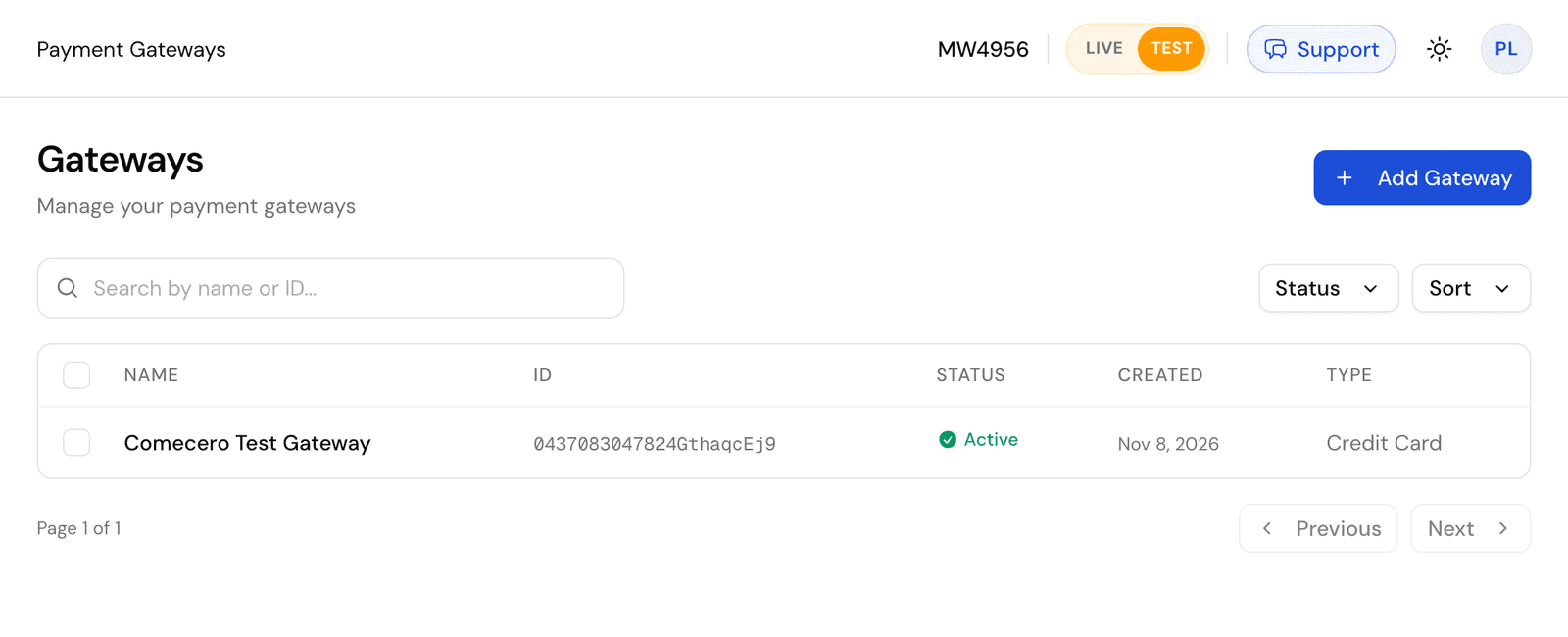
Open Gateways
Open Gateways and click Add Gateway. Use the LIVE / TEST switch at the top first: test and live keep their own gateways. In test mode the Provider list shows each provider's sandbox, for your provider's test keys.
Fill in the form
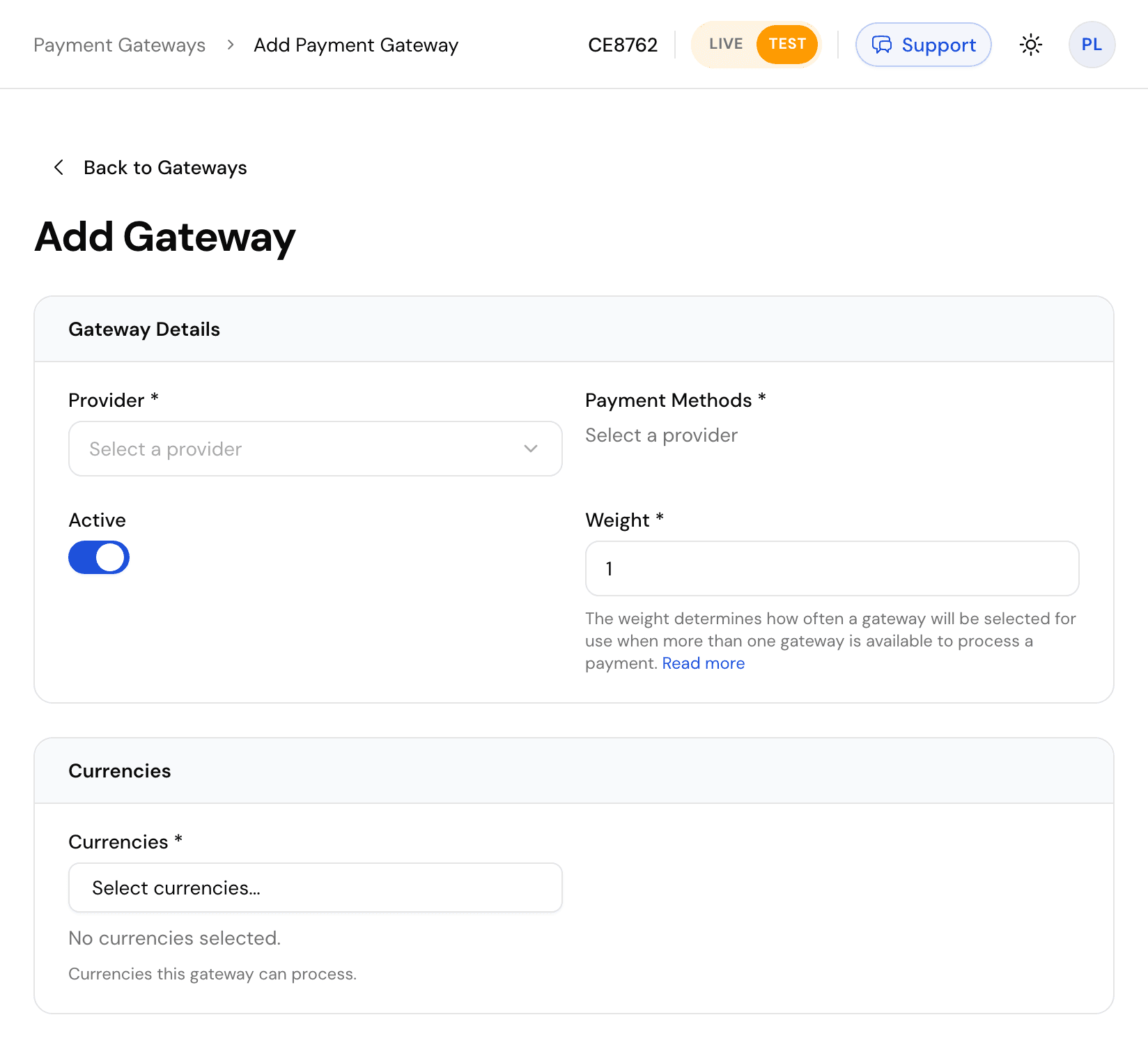
| Field | What to enter |
|---|---|
| Provider | Your payment provider. The list shows every provider you can connect |
| Payment Methods | The methods this gateway takes, such as credit_card or paypal. Cannot be changed later |
| Active | On to use the gateway |
| Weight | How often this gateway is picked when more than one can take a payment. See Gateway weight |
| Currencies | The currencies this gateway takes. A payment in another currency never goes to it |
| Card Types | For cards: the brands this gateway takes |
| Gateway Configuration | Your provider's credentials, such as an API key. The fields change with the provider |
Save
Click Add Gateway. Comecero checks the credentials with your provider first, so wrong keys are refused at once. Saved credentials stay hidden: click Show Gateway Configuration to see them again.
You can do the same with the API: Get gateway options lists the providers and the fields each needs, and Create a gateway adds one with a secret token.
curl -X POST https://api.comecero.com/api/v1/gateways \
  -H "Authorization: Bearer $COMECERO_TEST_TOKEN" \
  -H "Content-Type: application/json" \
  -d '{
    "provider_id": "stripe",
    "payment_method_types": ["credit_card"],
    "card_types": ["Visa", "MasterCard", "American Express"],
    "currencies": ["USD", "EUR"],
    "active": true,
    "fields": { "secret_key": "sk_test_..." }
}'- A new gateway is inactive unless you send
"active": true. provider_idandpayment_method_typescannot be changed later. Make a new gateway instead.- Card brands are written as shown in the options, such as
VisaandMasterCard. - A live gateway that has payments cannot be deleted. Turn it off instead.
How Comecero picks a gateway
For each payment, Comecero:
- Takes your active gateways that accept the payment's currency and payment method. For cards, the card brand must be in Card Types.
- Puts them in a random order weighted by Weight. A gateway with weight
0goes last. - Sends the payment to the first one.
If that gateway declines the card, Comecero can send the same payment to the next gateway in the list, up to Maximum Gateway Attempts under Settings > Payment (new accounts start at 2; set 1 to never try a second gateway). It does not try again after a failed security code or address check, after a timeout, or on Comecero Express Payments. Each try is kept on the payment. See Gateway weight for more.
A secret or trusted token can also pick the gateway: send gateway_id on the payment.
3-D Secure
3-D Secure is the bank's own check, where the shopper confirms the payment in their banking app. It works on Comecero Express Payments, PayPal cards and Elavon gateways. When the bank asks for it, the payment comes back waiting for the shopper. See Payments that wait for the shopper.
Test your gateway
- With the Comecero Test Gateway, use the test cards. They also let you test declines, timeouts and failed refunds.
- With your own provider's sandbox gateway, use that provider's test cards.
Before you go live, see the Going live checklist.
Customer account page
The page where your customers see orders, subscriptions and invoices, update saved cards and download receipts, and how they sign in to it.
Fraud screening
What Comecero checks before a card or wallet payment goes to the bank, what a blocked payment returns, trusted customers, and how to test a fraud block.