

Going live
A checklist for moving your Comecero integration from test to live mode. Tokens, gateways, webhooks, test leftovers, error handling and safe payment retries.
This page is a checklist for the day you switch from test to live. Work through it in order. When every box is ticked, run one real payment and refund it.
Test and live are two separate sets of data in the same account, picked by the token you call with. Nothing you made in test mode moves to live. See Account and test mode for how the two modes work.
1. Get paid: connect a live gateway
Live payments go through a live gateway. In the dashboard, switch to Live and finish the "How do you want to get paid?" step: set up Comecero Express Payments, or connect your own gateway.
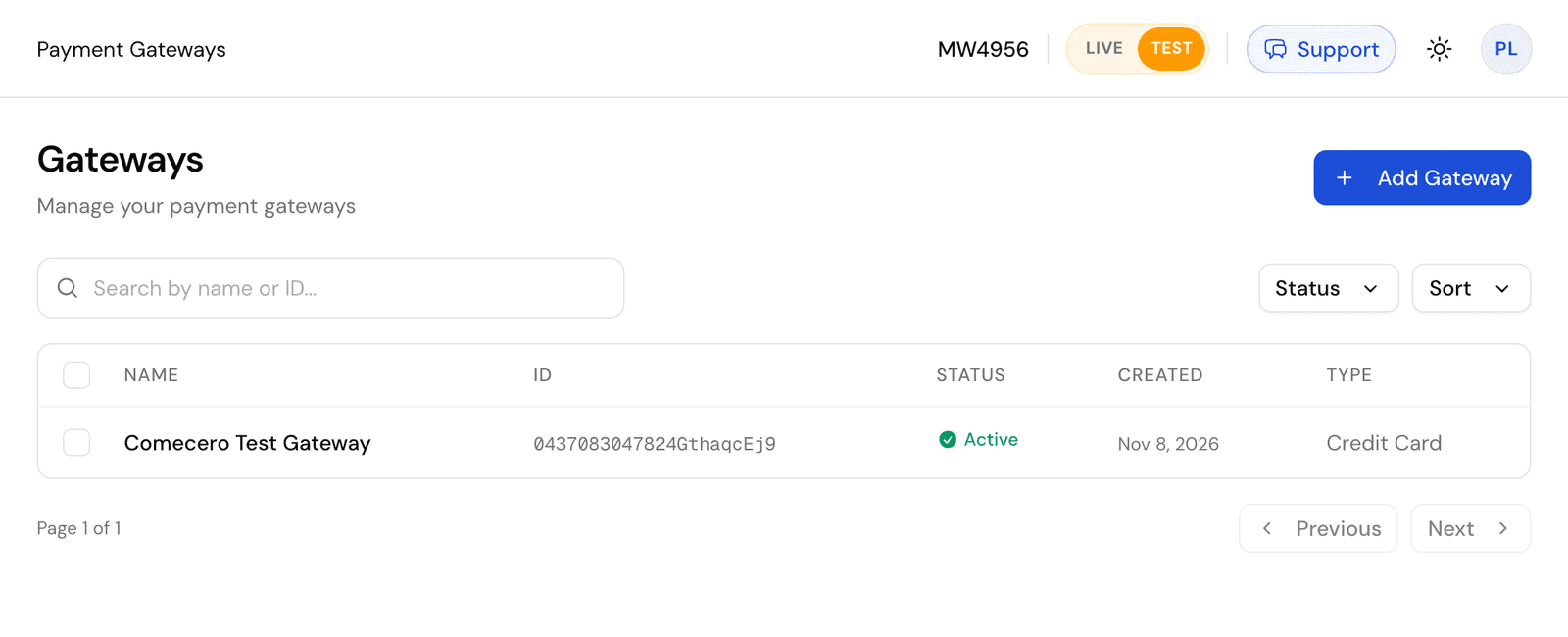
Then open Gateways and check that each gateway you need is Active and takes the payment types and currencies you sell in.
- When more than one gateway can take a payment, the gateway weight decides how often each is picked. See Gateway weight.
- A payment method type needs a gateway for it in the payment currency, or the cart options will not offer it. Get the cart options of a live cart to check.
2. Make live tokens
- Server: create a live secret token under Developer > API Tokens with the switch on Live, or call Create a secret token without
test=true. Give it only the permissions it needs. - Browser: create limited tokens with Create a limited token without
test=true.
Store the live secret token in your server's secret store, not in code. It must never reach a browser, an app or a repository.
3. Set up live mode again
Settings and data are kept per mode. In live mode, create or check:
- Products, subscription plans, promotions and shipping methods. A test product cannot go in a live cart.
- Settings: payment, tax, fulfillment (see Auto fulfill and capture delay), subscription, and analytics (see Analytics).
- Settings > Technical: the signature key for webhooks, and CORS Allowed Origins if your browser code runs on your own domain.
- Notification subscriptions for the emails you want customers to get, such as receipts and invoice links.
4. Turn on live webhooks
Webhook subscriptions are per mode too, so create them again in live mode.
- Send
"active": true, or set Set Active? to Yes in the dashboard. A new subscription is inactive and sends nothing. - Use the live signature key in your endpoint. Check
X-Comecero-Signatureon every delivery. - Click Send Test on each subscription and check that your endpoint answers
2xxwithin 60 seconds. - Make sure your endpoint skips an
event_idit has already handled.
See Webhooks.
5. Remove test leftovers
Search your code and configuration for:
- Test tokens and
test=trueon token calls. A test token sees only test data. - Test card numbers such as
4444555566661111, and any shortcut that only works with the test gateway. - Product ids, plan ids and other ids copied from test mode. Ids differ between modes.
- Subscription plans billed by the
hour. That unit only works in test mode. - Webhook URLs that point to a tunnel or a staging server.
6. Handle errors
- Read the HTTP status and the error
typeandcode, not themessagetext. Showmessageto people. Keep a fallback for each status, because new codes can be added. See Error handling. - A declined payment is
402with the failed payment inerror.meta.payment. Let the shopper try another card or method. - Handle
initiatedpayments (PayPal and 3-D Secure): send the shopper toresponse_data.redirect_url, then get the payment and commit it only while it is stillinitiated. See Accept payments. - Log the error
referenceand quote it when you contact support.
7. Never retry a payment automatically
A payment request that times out or fails at the network can still have gone through.
- Do not resend a payment, capture or refund by itself after a
502, a504or a lost connection. Get the cart, payment or order first and act on what it says. - Set your own
payment_idon payments. An id can be used only once, so a request sent twice cannot charge twice. - Do not build your own retry loop for failed subscription renewals. Comecero retries them on the schedule in your subscription settings. See Subscriptions.
429means too many requests: wait and try again for reads, but apply the rule above to anything that moves money.
8. Run one real payment
Buy one of your own products with a real card in live mode. Check the order in the dashboard, check that each webhook arrived and was verified, then refund the order.